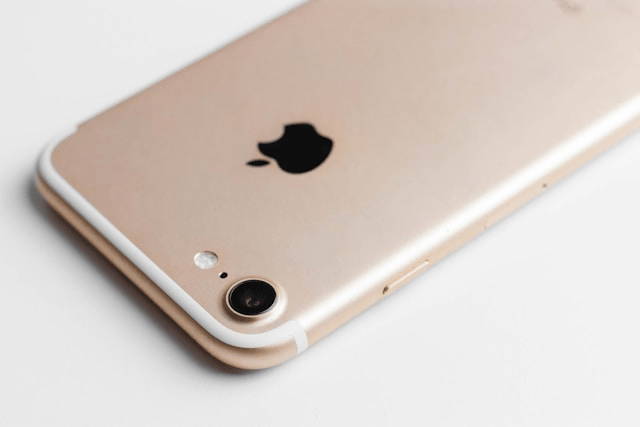
The flashlight on your iPhone is one of the most useful features, whether you need light in the dark, use it for photos, or rely on it for emergencies. But sometimes, the iPhone flashlight not working issue can be frustrating. If your flashlight won’t turn on or isn’t functioning properly, don’t worry there are several ways to troubleshoot and fix the problem. This guide will walk you through quick checks, simple solutions, and when to seek professional help.
Why the iPhone Flashlight May Not Work
There are several reasons why the flashlight not working on iPhone problem occurs:
-
The flashlight is being used by another app such as the Camera.
-
Low Power Mode is enabled, limiting some functions.
-
The battery is too low to support the flashlight.
-
A temporary software glitch is preventing it from turning on.
-
Hardware issues with the LED light or camera.
Understanding the cause makes it easier to fix iPhone flashlight issues effectively.
Quick Checks Before Troubleshooting
Before diving into major fixes, try these quick checks:
-
Close the Camera app – If the camera flash is in use, the flashlight won’t work. Close all apps that may be using the camera or flash.
-
Check Low Power Mode – Go to Settings > Battery and make sure Low Power Mode is turned off.
-
Charge your iPhone – If your battery is critically low, the iPhone flashlight won’t turn on until there’s enough power.
If the flashlight still doesn’t work after these steps, move on to the solutions below.
How to Fix iPhone Flashlight Not Working
Here are proven methods to fix the problem:
1. Restart Your iPhone
A simple restart can fix many software glitches. Press and hold the power button (and volume button on newer models), then slide to power off. Wait a few seconds and turn your iPhone back on.
2. Force Close All Apps
Apps that use the camera, like Snapchat or Instagram, may block flashlight access. Swipe up from the bottom (or double-press the home button on older models) to close all apps and try the flashlight again.
3. Reset iPhone Settings
If the problem persists, go to Settings > General > Transfer or Reset iPhone > Reset > Reset All Settings. This won’t delete your data but will restore default system settings, which may fix the flashlight not working issue.
4. Update iOS
Outdated software can sometimes cause bugs. Go to Settings > General > Software Update and install the latest iOS version available for your iPhone.
5. Restore iPhone Using iTunes or Finder
If none of the above works, consider restoring your device using iTunes (Windows) or Finder (Mac). This will reinstall iOS and may resolve deeper software issues affecting the flashlight.
Test iPhone Camera and Flash
To check if the problem is hardware-related, open the Camera app and try taking a photo with the flash enabled. If the flash doesn’t work here either, it may indicate a problem with the LED light or related components.
When to Contact Apple Support
If your iPhone flashlight won’t turn on even after trying all these fixes, the issue may be hardware-related. This can happen due to physical damage, water exposure, or LED malfunction. In such cases, the best solution is to contact Apple Support or visit an Apple Store for repair.
Conclusion
When the iPhone flashlight isn’t working, it’s usually a minor issue that can be fixed by closing apps, restarting the device, or updating iOS. Checking for Low Power Mode, resetting settings, and testing the camera flash are also effective solutions. However, if these troubleshooting methods don’t work, the problem may be hardware-related, and contacting Apple is the best option. With the right steps, you can quickly fix your iPhone flashlight and get it working again.