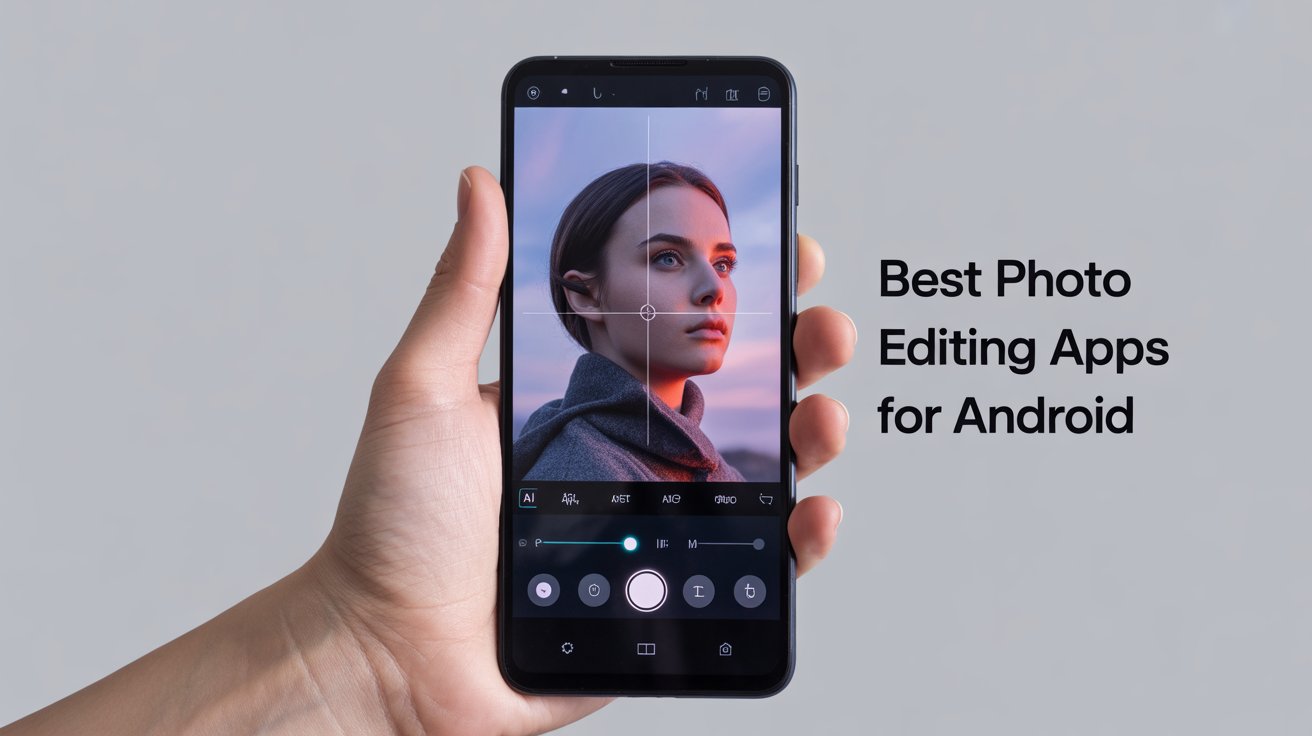
As of 2026, mobile photo editing is no longer about filters alone. Android photo editors now integrate AI-powered enhancements, generative tools, object removal, background reconstruction, and color science once reserved for desktop software.
With Android cameras rivaling dedicated cameras in dynamic range and resolution, editing has become the step that defines whether a photo looks average or professional. Industry data from 2024–2025 shows that users spend 3× more time editing photos before sharing, driven largely by social platforms prioritizing visually refined content.
In this guide, we break down the best photo editing apps for Android in 2026, based on:
-
Editing depth vs speed
-
AI-assisted tools vs manual control
-
Free vs paid value
-
Real-world usability on mid-range and flagship phones
This isn’t a popularity list, it’s a practical, experience-driven comparison.
How Photo Editing Apps Work in 2026 (And Why AI Matters)
Modern photo editing apps now rely on three core technologies:
1. Computational Image Processing
Apps analyze image data (exposure, noise, color depth) rather than just applying visual overlays. This is why newer edits look more “natural” than filter-heavy apps from earlier years.
2. On-Device AI Models
Instead of sending images to the cloud, many apps now run AI locally, improving privacy and speed especially for object removal and portrait enhancement.
3. Non-Destructive Editing
Most leading apps now save edits as adjustment layers, allowing users to revert or fine-tune changes without degrading image quality.
In 2026, the best photo editors are those that assist without overriding creative control.
Best Photo Editing Apps for Android in 2026 (Ranked)
1. Adobe Photoshop Express — Best Overall Editor for Quality & Reliability
Best for: Balanced editing, professional results, consistent output
Photoshop Express remains one of the most dependable Android editors in 2026, largely because Adobe prioritizes image fidelity over gimmicks.
Why it stands out in 2026
-
Improved AI noise reduction for low-light smartphone photos
-
Excellent handling of high-resolution and panoramic images
-
Reliable color correction that doesn’t oversharpen or oversaturate
Limitations
-
Advanced features require sign-in
-
Less playful compared to social-focused apps
Expert take: Ideal for users who want desktop-like results without complexity.
2. Snapseed — Best for Manual Control & Precision Editing
Best for: Photographers who want full creative control
Snapseed continues to outperform many paid apps because it gives users direct access to editing parameters, not presets alone.
Key strengths
-
Selective editing with precise control points
-
Non-destructive workflow using editable stacks
-
Excellent tonal control for shadows and highlights
Trade-off
-
Learning curve for beginners
-
Fewer automated “one-tap” edits
Why it matters: Snapseed edits age better — photos look natural even years later.
3. PicsArt — Best for Creative & Social Media Editing
Best for: Content creators, meme artists, short-form video thumbnails
PicsArt has evolved into a creative studio, not just a photo editor.
What makes it different
-
Advanced background removal and replacement
-
Large library of editable templates
-
Integrated creative community for inspiration
Downsides
-
Ads in the free version
-
Can feel overwhelming for simple edits
4. PhotoDirector — Best AI-Powered Editing for Beginners
Best for: Users who want fast, polished results
PhotoDirector excels at guided AI edits, ideal for users who want impressive results without manual tweaking.
Standout features
-
AI sky replacement and object removal
-
Live effects through the in-app camera
-
Clean interface with minimal clutter
Compared to Snapseed:
PhotoDirector prioritizes speed; Snapseed prioritizes control.
5. Pixlr — Best Lightweight Photoshop-Style App
Best for: Layer-based editing on mobile
Pixlr is still one of the few Android apps that genuinely supports layer-style editing, making it useful for compositing.
Strengths
-
Layer overlays and opacity control
-
Large effect and texture library
-
Works well on mid-range phones
Weakness
-
Effects can feel heavy-handed if overused
6. VSCO — Best for Film-Style Color Grading
Best for: Aesthetic-focused creators and photographers
VSCO remains popular because its filters are built using film-inspired color science, not aggressive contrast boosts.
Why VSCO edits look better
-
Subtle tonal shifts instead of harsh filters
-
Excellent highlight preservation
-
Ideal for consistent Instagram-style feeds
Limitation
-
Many presets locked behind subscription
7. Fotor — Best One-Tap Enhancements
Best for: Quick edits and casual users
Fotor’s strength lies in automation one-tap enhancements that actually respect image balance.
Pros
-
Wide range of adjustment sliders
-
Batch editing support
-
Good balance between control and speed
Cons
-
Account login required
-
Premium pricing is higher than competitors
8. Photo Lab — Best for Artistic Effects & Montages
Best for: Fun, creative transformations
Photo Lab focuses less on realism and more on artistic expression.
Best use cases
-
Face montages
-
Stylized portraits
-
Creative frames and effects
Not ideal for professional photography, but excellent for experimentation.
9. LightX — Best for Advanced Compositing on Mobile
Best for: Users who enjoy photo manipulation
LightX offers advanced tools like curve adjustment, background switching, and multi-photo blending.
Why it’s improving
-
Frequent feature updates
-
Strong masking tools for mobile
Current drawback
-
Occasional performance issues on older devices
10. Photo Effects Pro — Best Free Effects App
Best for: Budget users and effect lovers
While limited in editing depth, Photo Effects Pro delivers a huge effects library at zero cost.
Ideal for
-
Stylized photos
-
Stickers, frames, and text overlays
-
Quick creative edits
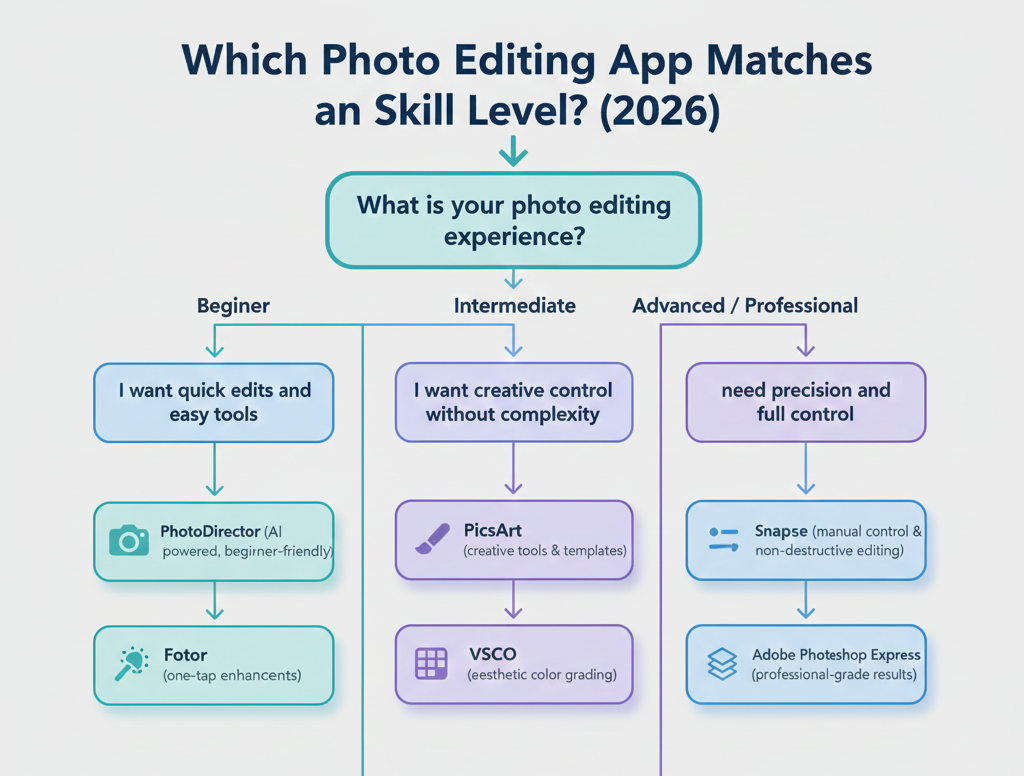
Quick Comparison: Which App Should You Choose?
-
Best professional-quality edits: Photoshop Express, Snapseed
-
Best AI automation: PhotoDirector
-
Best creative tools: PicsArt, Photo Lab
-
Best aesthetic filters: VSCO
-
Best free option: Snapseed, Photo Effects Pro
People Also Ask (2026)
Are Android photo editing apps as good as desktop software?
For 90% of users, yes. AI-assisted tools now replicate most desktop workflows.
Do these apps reduce photo quality?
Not if they use non-destructive editing, which top apps now support.
Which app is best for social media in 2026?
PicsArt and VSCO offer the best balance of creativity and consistency.
Final Verdict (2026)
In 2026, the best photo editing app isn’t the one with the most filters, it’s the one that matches your editing style and intent.
-
Want professional results? Snapseed or Photoshop Express
-
Want speed and automation? PhotoDirector
-
Want creativity and content creation? PicsArt
The right app should enhance your photo, not overpower it.