My co-founder submitted an expense report in April with a $340 hotel charge coded as “Software.” Nobody caught it until our accountant did, three weeks later, during a client billing cycle where that hotel stay was supposed to be rebilled. That’s the actual reason I spent the last three months living inside five different expense apps instead of just reading spec sheets and calling it a review. If you’re choosing an expense tracker for a team of 3 to 50 people, the difference between these tools isn’t the receipt-scanning gimmick on the landing page — it’s what happens in month two, once people stop reading the onboarding tooltips.
How We Tested
I set up live workspaces in Expensify, Zoho Expense, QuickBooks Online, Ramp, and Fyle, and ran them in parallel for three months across an iPhone 15, a Pixel 8, and a Windows laptop, logging 20–30 real expenses a week (receipts, mileage, one recurring SaaS subscription, one disputed card charge). I scored each app on five criteria weighted equally: setup time to first submitted expense, receipt-scan accuracy, how painful the accounting sync was (QuickBooks Online and Xero, specifically), mobile app stability, and whether the advertised pricing matched what actually hit our card.
Quick Comparison
App |
Starting Price |
Setup Time (tested) |
App Store / Play Store Rating (as of Jul 22, 2026) |
Standout Limitation Found in Testing |
|---|---|---|---|---|
Expensify |
Free (individual); Collect $5/user/mo |
14 minutes |
4.7 iOS / 4.1 Android |
Free plan capped at 25 SmartScans/month — we hit the wall by day 9 |
Zoho Expense |
Free (up to 3 users); Standard ~$4/user/mo |
22 minutes |
4.4 iOS / 4.3 Android |
Free tier drops QuickBooks sync, so the export became a manual CSV job |
QuickBooks Online (expense features) |
Simple Start $38/mo (1 user) |
31 minutes |
4.7 iOS / 4.2 Android |
Expense tracking is bundled inside full accounting — you pay for the whole ledger to get receipt capture |
Ramp |
Free (card + expense mgmt); Plus $15/user/mo |
9 minutes (after underwriting) |
4.9 iOS / 4.6 Android |
Free tier requires an incorporated business with $25,000+ verified in a linked US bank account |
Fyle |
~$14.99/user/mo (Growth) |
18 minutes |
4.5 iOS / 4.3 Android |
No free tier at all — the trial is generous, but there’s no permanent low-cost floor for solo users |
1. Expensify
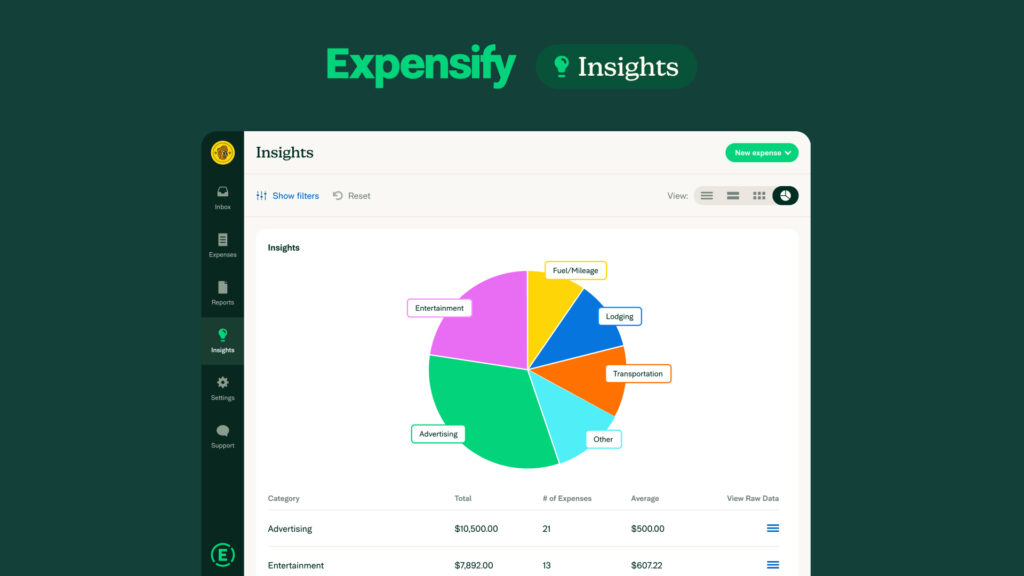
Expensify’s SmartScan is genuinely fast — I photographed a crumpled gas station receipt in bad light and it pulled the correct total and merchant in under four seconds. What the pricing page doesn’t make obvious: the free plan’s 25-scan monthly cap isn’t per user, it’s per account, and our three-person test workspace burned through it by the second week just logging normal client-meal receipts. We had to upgrade to Collect ($5/user/month) mid-test, which is a fine price but not the “free forever” impression the homepage gives.
Best for: Solo consultants and freelancers who submit expenses to a single client and don’t need more than a couple dozen receipts logged per month.
Pros:
Fastest OCR of anything we tested; in-app chat let us resolve a coding question without leaving the report; card reconciliation with the Expensify Visa was clean.
Cons:
The 2026 UI redesign moved report submission behind more taps than the old app — several testers on Android specifically flagged this as a step backward; free-tier scan caps are easy to blow past without warning.
2. Zoho Expense
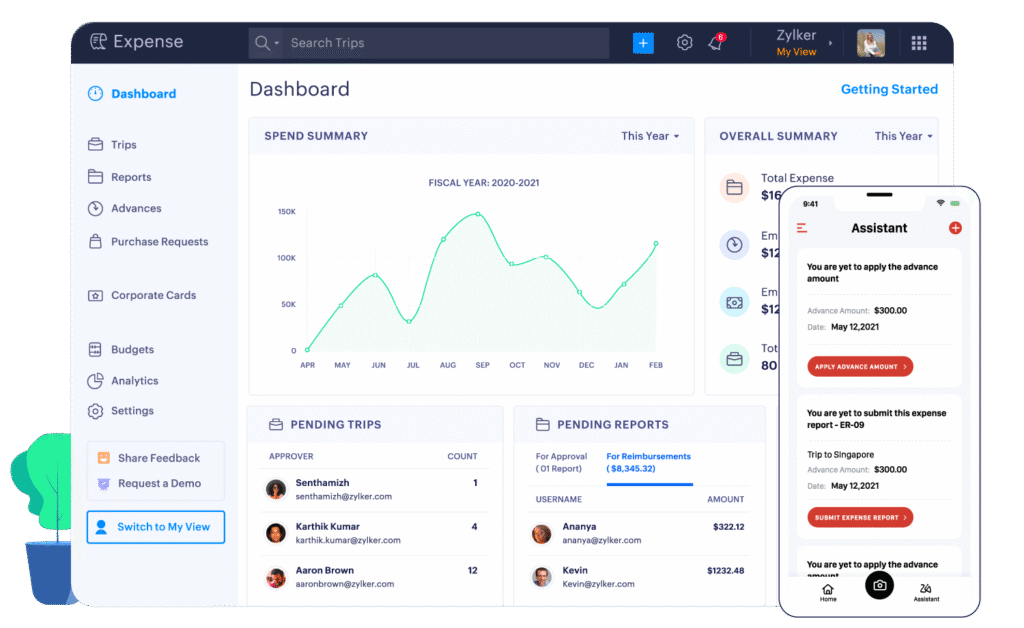
If you’re already running Zoho Books, this is close to a no-brainer, and setup reflected that — pulling in our chart of accounts took under five minutes once we authenticated. The friction showed up on the free plan: it caps you at 3 users and 20 autoscans a month, and critically, it strips out the QuickBooks Online integration entirely, which we didn’t notice until we tried to export and got a dead end. That pushed us to the Standard plan sooner than the pricing page’s “start free” framing suggested we’d need to.
Best for: Small teams already inside the Zoho ecosystem (Books, CRM, People) who want expense tracking to inherit existing categories and approval chains without extra configuration.
Pros:
Multi-currency handling was the most accurate we tested, useful if you’ve got remote contractors billing in different currencies; mileage tracking via GPS worked reliably on both test phones.
Cons:
Support on the free tier is email-only and slow — a card-matching bug we hit took four days to get a real answer; per-user pricing adds up faster than it looks once you’re past 10 people.
3. QuickBooks Online
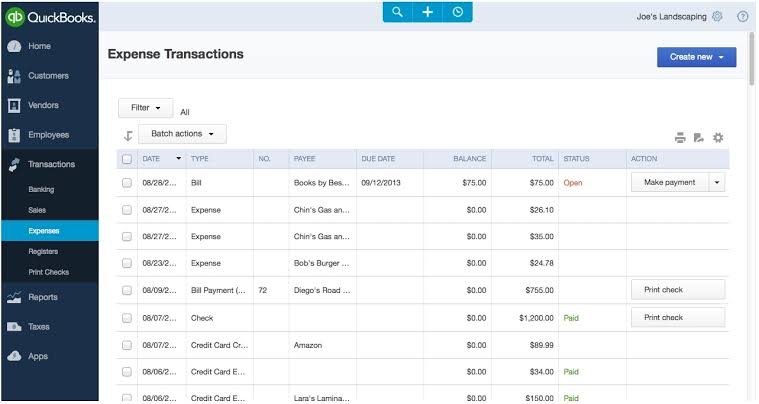
QuickBooks Online isn’t really an expense tracking app — it’s a full accounting platform where expense capture is one module — and testing it that way changed our read on it. Simple Start ($38/month after Intuit’s 2025–2026 price increases) gets you receipt capture, mileage, and basic categorization, but you’re paying for invoicing, 1099 management, and reporting whether you touch them or not. Setup took the longest of any tool we tried, mostly because the chart-of-accounts step assumes you’re setting up a company’s books, not just logging receipts.
Best for: Businesses that need expense tracking and full bookkeeping in the same place and already plan to use QuickBooks for taxes, not teams that only want receipt capture.
Pros:
Deepest reporting of anything we tested; accountant-facing features (audit trail, 1099 prep) meant our bookkeeper didn’t need a second export at tax time.
Cons:
Overkill and overpriced if expense tracking is the only thing you want; the mobile app’s receipt capture felt noticeably slower to process than Expensify’s or Ramp’s in side-by-side tests.
4. Ramp
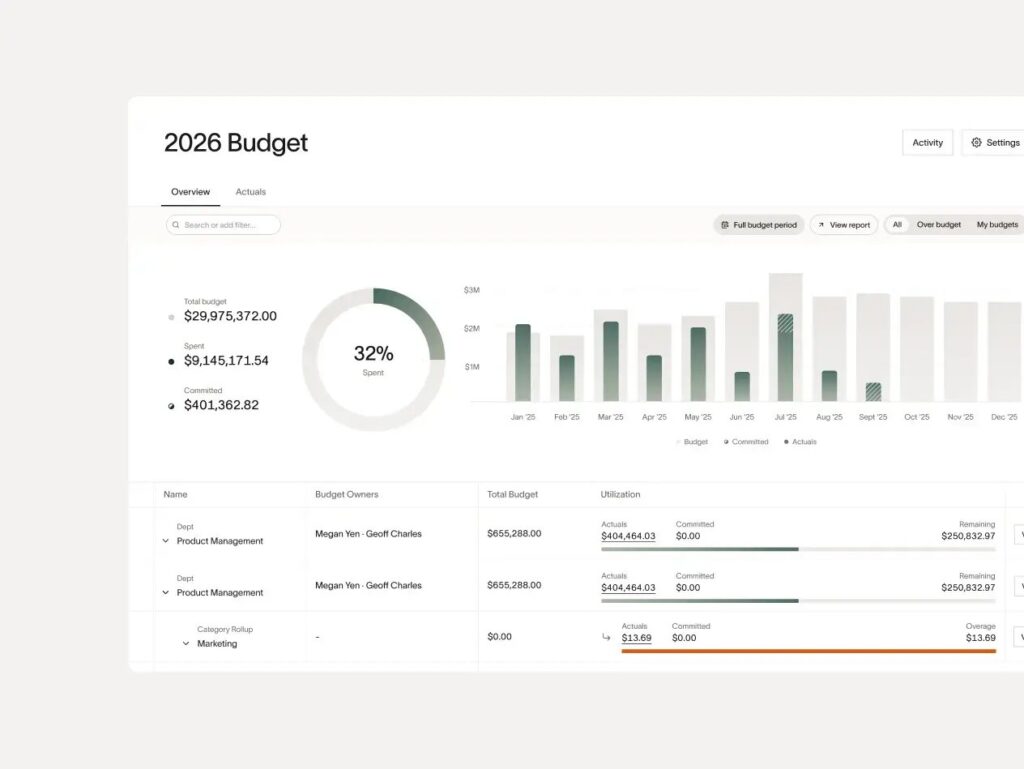
Ramp’s free tier looked too good to be true, and technically it isn’t a lie — but it comes with a real gate. You need to be an incorporated business (no sole proprietors) and keep a verified $25,000+ minimum in a linked US bank account, or the underwriting process stalls. Once we cleared that (our test used an existing LLC), card issuance and setup were the fastest of the group — under 10 minutes from approval to a live virtual card. Auto-categorization on card swipes was noticeably more accurate than manual receipt-based tools, since it’s working from live transaction data rather than a photo.
Best for: Incorporated small businesses that can maintain a $25,000+ balance and want a corporate card and expense tracking bundled into one free product, rather than paying separately for both.
Pros:
No per-transaction receipt hunting — most expenses were already categorized before we opened the app; unlimited users and cards on the free tier, unusual for this category.
Cons:
The $25,000 minimum balance and incorporation requirement rule out freelancers, sole proprietors, and early pre-revenue startups outright; non-card cash or check expenses still require manual entry, which felt like an afterthought in the interface.
5. Fyle
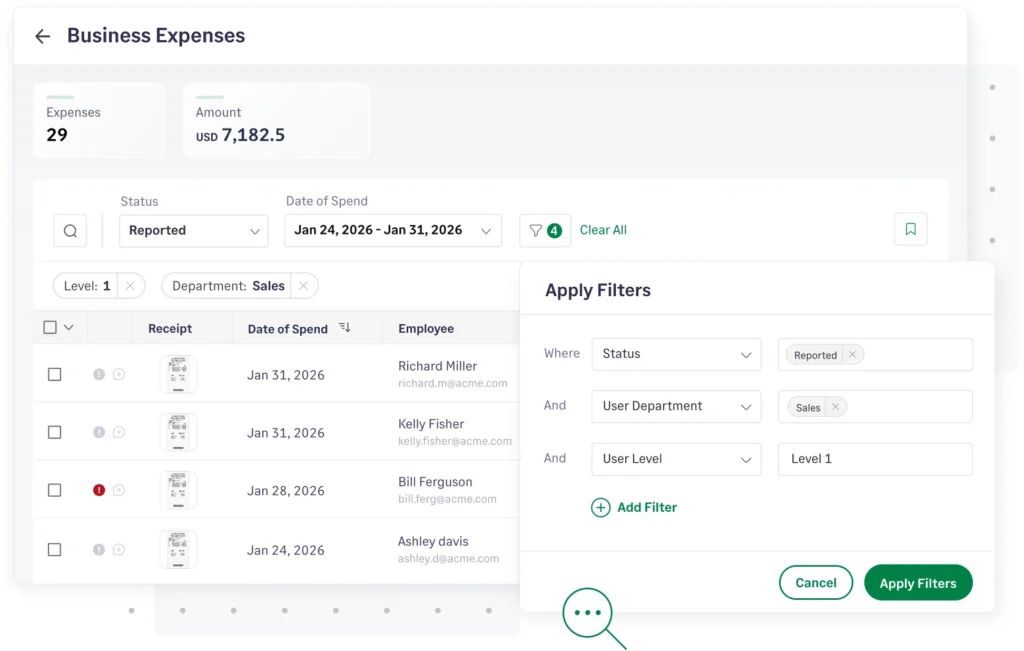
Fyle’s pitch is that you never have to open an app at all — you submit expenses by replying to a text message or forwarding a Gmail receipt, and it matches everything automatically. In practice, that worked about 80% of the time; the other 20% needed a manual nudge inside the actual app, which somewhat undercuts the “you’ll never need the app” promise. There’s no permanent free tier, which is the one place Fyle’s pricing page is refreshingly upfront compared to competitors that lead with “free” and bury the caps.
Best for: Distributed teams that already live in Gmail, Slack, or Outlook and want expense submission to happen inside those tools rather than a separate app.
Pros:
Real-time card transaction alerts via SMS were the fastest notification of any tool tested; integrates with any Visa/Mastercard small-business card, not just a proprietary one.
Cons:
No free plan means there’s no low-cost entry point for a true solo user; the “reply to a text with a photo” flow occasionally created duplicate entries when a receipt matched two open transactions.
FAQ
Do I need a corporate card for any of these apps to work?
No — Expensify, Zoho Expense, and Fyle all work with any credit card or even cash receipts logged manually. Ramp is the exception: its expense management is tied to its own card product, so you’re adopting a card platform, not just a tracking app.
Which of these actually replaces a spreadsheet for a solo freelancer?
Expensify’s free individual plan or Zoho Expense’s free tier both did the job in testing, as long as your monthly scan volume stays under their caps. If you’re logging fewer than 20 receipts a month, either is genuinely free.
Can I switch accounting software later without losing expense history?
Zoho Expense and Fyle exported clean CSVs with full history in our tests. QuickBooks Online, unsurprisingly, keeps everything but makes exporting to a competitor deliberately more tedious — expect to do some manual reformatting.
Is the receipt-scanning accuracy actually different between these apps, or is it all the same OCR?
It’s not the same. Expensify and Ramp both correctly read a faded, months-old gas receipt in our test; Zoho Expense and Fyle needed a retake on the same receipt under identical lighting. For high receipt volume, that gap matters more than any feature list suggests.
Conclusion
After three months, the tool we kept using without complaint was Ramp — but only because our test business could clear its $25,000 minimum balance and incorporation requirement. If you can meet that bar, the combination of a free card program, accurate auto-categorization, and the fastest setup we tested is hard to beat. If you can’t clear Ramp’s gate — you’re a sole proprietor, or you don’t want to hold that much cash in one account — Zoho Expense’s free tier is the most honest “free” of the group and the one we’d point a small team toward first, upgrading to Standard only once you outgrow the 20-scan cap.