

Renewing your car policy on time keeps your coverage active and prevents gaps that can create avoidable stress later. For first-time users, renewing online is usually the simplest option because the process is digital, payment is quick, and the updated policy document is shared on your registered contact details.
In this guide, we explain the basic steps to renew your policy, including renewal of third-party car insurance, and how to complete a paperless insurance renewal smoothly.
What to Keep Ready Before You Start
A smooth renewal is easier when you have a few basics in front of you:
- Your vehicle registration number and the car’s key details.
- Your registered mobile number and email ID.
- Your existing policy details, if available (useful for cross-checking).
- A clear decision on what you want to renew: third-party cover or broader cover.
Having these ready helps you finish the steps without stopping midway.
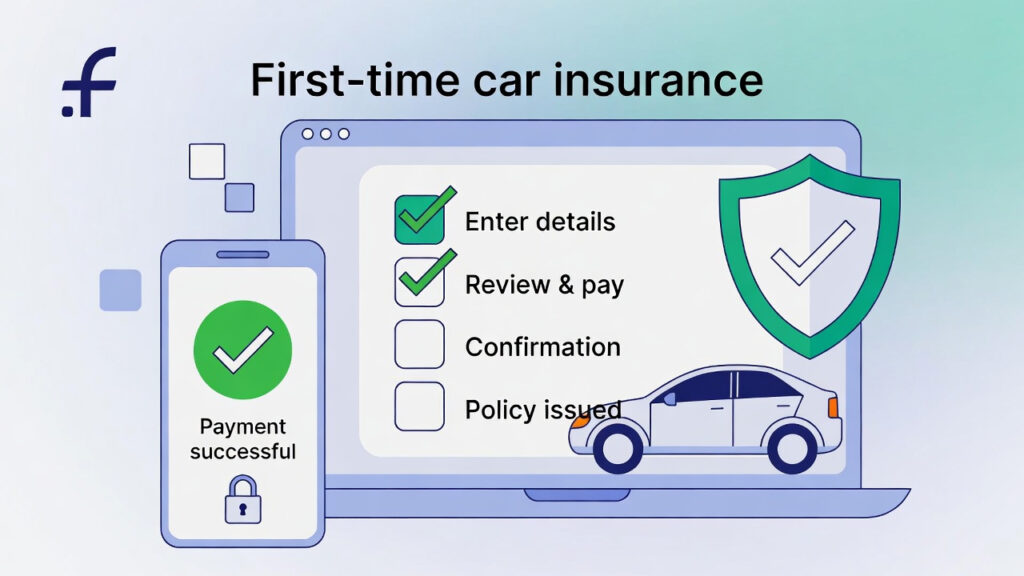
Understand What You are Renewing
Before you click renew, understand the difference between cover types.
Third-Party Cover
Third-party car insurance is the mandatory cover that protects you against legal liability towards others. It typically covers third-party injury, death, and property damage caused by your vehicle. It does not cover repairs to your own car.
Broader Cover
If you want protection for your own vehicle as well, policies that include own-damage protection are considered. Renewal portals generally show your current cover type, so you can continue with it or adjust it at renewal.
Step-By-Step Process for Car Insurance Renewal Online
Here are the steps for car insurance renewal online:
Step 1: Start Renewal on the Insurer’s Official Website
Begin from the insurer’s website and select the renewal option for an existing policy. This opens the online renewal flow and prompts you for basic details.
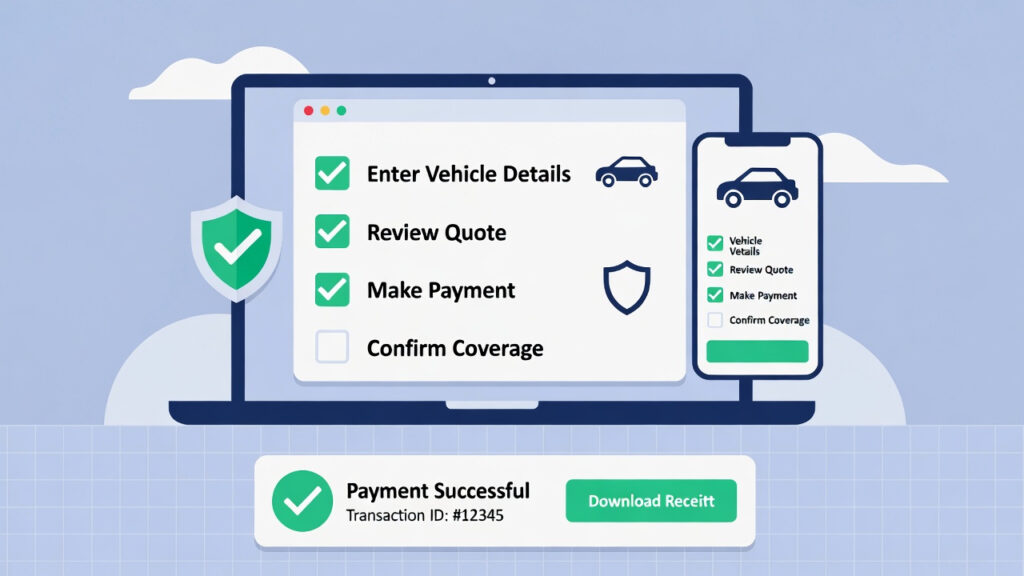
Step 2: Enter Your Vehicle and Contact Details
Fill in your registration number and the requested personal details. Make sure your email ID is correct because this is where the renewed policy document is usually sent.
Step 3: Confirm the Cover Type You Want to Renew
The portal will typically show whether you are renewing a third-party policy or a policy with broader coverage. If you are renewing third-party cover, be sure that it is liability-focused. If you are renewing wider cover, you may also see options to modify add-ons.
Step 4: Review Add-Ons and Plan Options
If your plan supports add-ons, you may be asked to include or remove them during renewal. Keep this part practical. Add-ons are helpful only when they match how you actually use the car and what risks worry you. If you are renewing only third-party cover, you generally will not see add-on choices, because third-party policies are structured differently.
Step 5: Check the Premium and Proceed to Payment
Once the plan details are confirmed, you will see the payable amount. Complete the transaction through online premium payment using the available digital methods.
For many users, the policy is generated right after successful payment. This is what people mean when they say instant policy renewal. The exact delivery time can vary by insurer and verification requirements, but the process is designed to be quick.
Step 6: Download and Save the Renewed Policy
After payment, download the policy PDF and save it immediately. This is the real advantage of paperless insurance renewal. You do not have to print anything, and you can keep the policy on your phone for easy access.
What to Check After You Receive the Renewed Policy
Before you close the tab, open the PDF and verify the essentials:
- Your name and vehicle registration number.
- Policy period (start and end date).
- Cover type (third-party or wider cover).
- Any add-ons selected (if applicable).
This small habit prevents confusion later, especially if you need the document urgently.
If You Cannot Find Your Old Policy Copy
Do not worry if you cannot locate the previous PDF. Many insurer websites provide an option to download your policy using details such as policy number, registered mobile number, and OTP verification. Once you retrieve it, save it in a folder so the next renewal becomes simpler.
Final Thoughts
For first-time users, car insurance renewal online becomes straightforward once you know the flow. Enter the correct details, confirm whether you are renewing third-party car insurance or wider cover, complete online premium payment, and save your PDF immediately. When you treat renewal like a fixed yearly habit, you avoid lapses and keep your cover ready when it matters most.