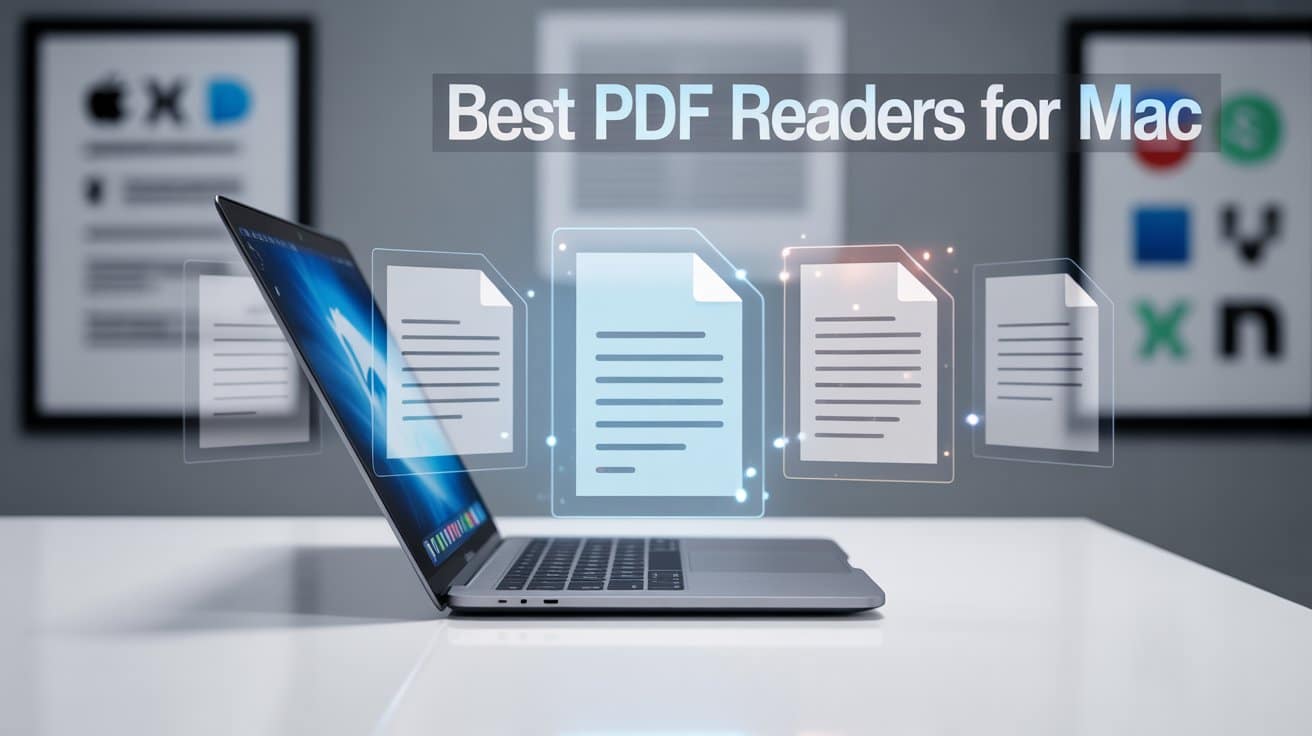
Choosing the right PDF reader for macOS in 2026 is more complex than it was even a few years ago. PDF software has evolved beyond simple viewing, tools now integrate AI OCR, cloud collaboration, cross-device syncing, and even document automation powered by machine learning.
If you’re still relying on a basic PDF reader, you’re missing out on huge productivity gains.
This guide breaks down the 12 best PDF readers for Mac in 2026, based on performance, real-world testing, user experience, and new industry trends.
Why PDF Readers Still Matter in 2026
PDFs continue to dominate because:
-
Formatting stays intact across devices (unlike Word, which still breaks layout depending on fonts and OS).
-
Newer AI-based tools can extract data from PDFs with 98% accuracy (according to 2025 Adobe Sensei updates).
-
Businesses increasingly rely on PDFs for compliance, contracts, and cross-platform file sharing.
Even though macOS comes with Preview, it no longer keeps up with professional needs such as batch OCR, embedded signatures, or document automation.
People Also Ask (2026)
What is the best free PDF reader for Mac?
UPDF (free version), Skim, PDFescape, and macOS Preview remain top free choices.
Which PDF reader is fastest for large files?
Readdle PDF Expert and Kdan PDF Reader consistently load 300+ page PDFs faster than Adobe Acrobat in 2025–2026 benchmarks.
What is the best PDF reader for academic papers?
Skim and PDF Expert remain the favorites among researchers because of annotation tools and distraction-free reading modes.
Is Adobe Acrobat still worth it in 2026?
Yes but mainly for professionals needing advanced forms, compliance tools, or enterprise-level OCR.
Pros & Cons of PDF Files (Updated 2026)
✔ Pros
-
Secure & encrypted — widely adopted across industries with advanced protection standards (AES-256).
-
Universal formatting — looks identical on any OS.
-
Highly compressed — ideal for archiving large reports.
✘ Cons
-
Editing often requires paid tools.
-
Still not ideal for collaborative writing (Google Docs and Notion outperform here).
-
Image-heavy PDFs can be harder for OCR engines, although modern 2025–2026 engines have improved accuracy significantly.
Top 12 PDF Readers for Mac (2026 Edition)
Below is a modern comparison with insights, pros/cons, and expert recommendations.
1. UPDF for Mac (Best Overall PDF Reader 2026)
UPDF has quickly become the favorite PDF editor of 2026 due to its very fast rendering, intuitive interface, and AI-enabled OCR that rivals Adobe’s.
Why it’s better in 2026
-
New UPDF AI feature handles summarization, translation, and data extraction.
-
Batch processing can convert hundreds of files at once.
-
Clean UI ideal for non-tech users.
Best for: Professionals, students, users needing AI tools
Weakness: Cloud collaboration still maturing
2. PDF Expert by Readdle
PDF Expert continues to dominate the Mac ecosystem due to its unmatched speed and native Apple integration.
2025–2026 Enhancements
-
New Smart OCR engine (2025 update)
-
Instant sync with iPhone/iPad via iCloud
-
Automatic font detection improved by 30%
Best for: Users who prioritize speed + elegance
Weakness: Fewer advanced automation tools compared to Acrobat
3. Adobe Acrobat Pro DC (Best for Business & Compliance)
Still the industry standard in 2026 particularly after the 2025 rollout of Adobe AI Sensei for PDF recognition.
What’s new
-
Better cross-device syncing
-
Faster OCR conversion
-
Enhanced redaction tools for legal teams
Best for: Enterprise, legal, finance
Weakness: Heavy, slower, expensive
4. Kdan PDF Reader (Best for Cloud Sync + Multi-Device Use)
Kdan gained popularity in 2025 for its document hub ecosystem and improved mobile integration.
Strengths
-
Powerful annotation tools
-
Customizable workspace
-
Syncs across Mac, iPhone, iPad, Windows, and Android
Weakness: UI feels dated compared to UPDF and PDF Expert
5. PDFescape (Best Free Online Reader for Light Use)
A good browser-based tool for quick edits.
Updates for 2026
-
Increased document size limits
-
More annotation options
-
Improved page loading
Weakness: No OCR; limited fonts
6. PDFpenPro (Now Nitro PDF Pro After 2022 Acquisition)
Nitro has rebuilt PDFpenPro with new automation features.
New upgrades
-
Better OCR accuracy
-
More export formats
-
Enhanced form creation tools
Best for: Document-heavy workflows
Weakness: Higher learning curve
7. PDF Specialist
A simple but capable editor with Text-to-Speech, making it useful for accessibility.
Best for: Users needing TTS + basic editing
Weakness: No advanced automation
8. Skim (Best Free Reader for Research & Academia)
An open-source favorite for reading papers.
2026 Strengths
-
Still lightweight and fast
-
Great for annotations and note export
-
Free
Weakness: No OCR, infrequent updates
9. Nitro Reader
A good balance of usability and powerful editing.
Why it’s still relevant
-
QuickSign electronic signing
-
Compatible with business workflows
-
Good file conversion tools
Weakness: Mac version lags behind Windows version
10. Readdle PDF Expert Lite (Free Version)
A simplified version of PDF Expert for users who don’t need editing.
Best for: Reading-only use cases
Weakness: Missing premium tools
11. PDF Candy (Best Online OCR Alternative)
Still the best free online OCR tool.
2026 Improvements
-
44+ tools for editing
-
New metadata cleaner
-
Faster batch uploads
Weakness: Cannot edit OCR text directly
12. Apple Preview (Best Built-in Free Reader)
Preview remains the best zero-cost option for simple PDF tasks.
What macOS Sonoma & Sequoia improved
-
Better markup tools
-
Faster QuickLook previews
-
More accurate text extraction
Weakness: Not designed for advanced editing
Comparison Table
PDF Reader |
Best For |
OCR |
Speed |
Editing |
Price |
|---|---|---|---|---|---|
UPDF |
Best overall |
✔ |
★★★★★ |
★★★★★ |
Free / Paid |
PDF Expert |
Fastest |
✔ |
★★★★★ |
★★★★☆ |
Paid |
Adobe Acrobat |
Professionals |
✔ |
★★★☆☆ |
★★★★★ |
High |
Kdan |
Multi-device |
✔ |
★★★★☆ |
★★★★☆ |
Free / Paid |
PDFescape |
Quick online edits |
✘ |
★★★★☆ |
★★★☆☆ |
Free |
Nitro (PDFpenPro) |
Business workflows |
✔ |
★★★★☆ |
★★★★★ |
Paid |
Skim |
Researchers |
✘ |
★★★★★ |
★★☆☆☆ |
Free |
PDF Candy |
OCR extraction |
✔ |
★★★★☆ |
★★☆☆☆ |
Free |
Apple Preview |
Basic use |
✘ |
★★★★★ |
★★☆☆☆ |
Free |
Which PDF Reader Should You Choose in 2026?
Here are expert recommendations based on user type:
For Professionals / Office Use
-
Adobe Acrobat Pro DC
-
Nitro PDF Pro
-
UPDF
For Students / Reading Research
-
Skim
-
PDF Expert
-
Preview
For Casual / Free Use
-
PDFescape
-
Preview
-
PDF Candy
Final Verdict (2026)
The best PDF reader for Mac in 2026 depends on your workflow:
-
UPDF is the best all-around choice, especially with its AI upgrades.
-
PDF Expert is the fastest and most polished for daily reading and editing.
-
Adobe Acrobat remains the leader for professionals who need precision and compliance.
-
Apple Preview is still unbeatable for basic, everyday reading.
With PDF tools becoming increasingly AI-powered, choosing the right one can significantly boost productivity — whether you’re managing business documents or reading eBooks.