

The internet is built on utility, but its character is defined by its playfulness. Few examples embody this blend of function and fun better than the legendary Google Easter egg: “Do a Barrel Roll.”
Since its introduction in 2011, this simple search command has sent millions of screens spinning 360 degrees, instantly transforming a mundane search result into a fleeting moment of digital joy. Yet, for many enthusiasts, the single spin is not enough. The ultimate quest has become the do a barrel roll x200 command—a mythical search query promising an endless, dizzying spectacle that tests the limits of both the browser and the user’s stomach.
This definitive guide delves into the complete history, the technical mechanics, the cultural significance, and, most importantly, the reality behind the do a barrel roll x200 command. We will explore how to trigger the original trick, where the command originated, and the exact steps you need to take to finally experience the coveted multi-spin effect that the official Google command will not deliver.
The Origin Story: Peppy Hare and the Star Fox Legacy
Google Easter eggs, by design, are insider jokes—a nod to pop culture, computer science, or history that rewards those who are paying close attention. The barrel roll is arguably the most famous example because its source is instantly recognizable to millions of gamers.
The Nintendo 64 Command: “Z or R Twice”
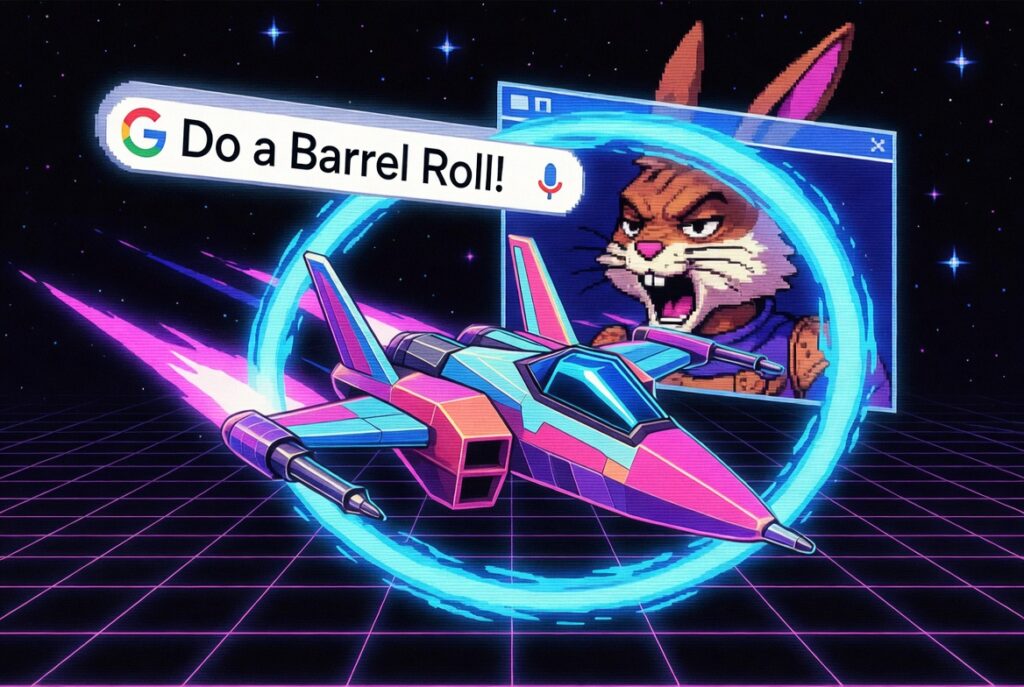
The command’s origin is traced back to the 1997 Nintendo 64 classic, Star Fox 64. In the game, players pilot an Arwing fighter jet. One of the key defensive maneuvers is the barrel roll, which allows the player’s ship to execute a tight 360-degree rotation, briefly granting invulnerability to enemy fire.
The command itself is famously delivered by Peppy Hare, a member of the Star Fox team, who incessantly urges the player, Fox McCloud, with the now-iconic line: “Do a barrel roll!“
Crucially, in the original game, the maneuver was performed by quickly pressing the Z or R buttons twice. This key detail is why Google included the phrase “z or r twice” as an alternative command for the Easter egg, serving as an extra layer of nostalgia and an insider wink for true fans.
From Video Game to Internet Meme (and Google Easter Egg)
The phrase “Do a barrel roll” rapidly transcended the video game community and became a widespread internet meme in the 2000s, often used as a nonsensical, imperative instruction for the internet to perform an arbitrary action.
Google officially launched the Easter egg on November 9, 2011. This decision was a masterstroke of marketing and engagement, taking an established piece of web culture and weaving it directly into their search functionality. The impact was immediate and global, cementing the phrase’s status and driving immense, immediate search volume as millions tried the trick for themselves. The effect was simple, delightful, and perfectly executed to generate viral sharing.
How to Do a Barrel Roll (The Official Google Command)
To understand the search for do a barrel roll x200, one must first master the original, single-spin command. The simplicity of the official trick is what gave it its viral power.
Step-by-Step for the 360° Spin (x1)
The official Google Easter egg functions the same way it did when it launched over a decade ago:
-
Open a modern web browser (e.g., Chrome, Firefox, Edge) and navigate to https://www.google.com/search?q=Google.com.
-
Type either
do a barrel rollorz or r twiceinto the search bar. -
Press Enter.
The search results page, rather than simply loading the results, executes a smooth, quick 360-degree rotation. The links remain clickable throughout the animation, and the page snaps back to its normal, upright position immediately afterward.
The Technical Deep Dive: CSS Transforms and the Web
The elegance of the barrel roll lies in its technical implementation. It is not powered by complex, bandwidth-heavy video or JavaScript frameworks, but by core web standards: CSS3 Transforms and Animations.
The effect is achieved using the transform CSS property, specifically the rotate() function. When the command is entered, the search results page’s main container element is targeted and assigned an animation that executes the following action:
This code instructs the browser to rotate the entire element (the web page content) 360 degrees around its central axis. The animation property controls the speed and smoothness of this rotation. This method is incredibly efficient and is the reason the trick works so flawlessly across modern browsers, as CSS transforms are optimized to run directly on the device’s graphics processor (GPU).
The Truth Behind the “Do a Barrel Roll x200” Quest
The official Google command is limited: it performs the rotation only once per search. This limitation is what sparked the internet’s quest for a multi-spin command, leading to the search query: do a barrel roll x200.
The Official Answer: Why Google Limits the Spin
The official Google Easter egg intentionally limits the spin to a single rotation per command. This design choice prevents the trick from becoming distracting, unusable, or triggering motion sickness in a large number of users.
Searching for variations like do a barrel roll x2, do a barrel roll x100, or even the ambitious do a barrel roll x200 on the official Google search engine will, in most cases, simply trigger the single, standard 360-degree spin. The search algorithm recognizes the core command and ignores the numerical modifier. The search results for these queries are still highly relevant, but the search engine itself cannot natively perform the complex, repetitive animation requested.
The Solution: Third-Party Interactive Tools (elgooG)
While the official Google search engine doesn’t support the multi-spin, the demand was so high that third-party developers created tools to satisfy the craving for multiple rolls. These sites are often the top-ranking results for the do a barrel roll x200 keyword and its variants.
The most famous of these enhanced tools is hosted on elgooG (Google spelled backward)—a site dedicated to preserving and enhancing retired or limited Google Easter eggs. These interactive pages bypass the official Google limitation by allowing the user to select the exact number of rotations they want to perform, ranging from two spins all the way up to 200 times, 1,000 times, or even an “Infinite” loop.
How to Use the Multi-Spin Feature
To execute the desired number of rotations, you must use one of these dedicated third-party tools. The process typically involves:
-
Navigating to the third-party interactive page.
-
Locating the controls or presets labeled with the desired rotation count (e.g., “Do a Barrel Roll 200 Times”).
-
Clicking the button to trigger the customized, repetitive animation, often powered by an external JavaScript loop that repeatedly triggers the CSS transform.
This is the only effective way to achieve the dramatic, multi-spin effect that the original search query promises.

Other Google Easter Eggs and Visual Tricks
The “Do a Barrel Roll” trick is a cornerstone of Google’s long history of embedding fun into their platform. For users interested in these digital flourishes, many other commands offer equally unexpected visual results.
Related Visual Tricks
-
AskeworTilt: Searching either of these words causes the search results page to tilt slightly to the right, using a simple CSS transformation that skews the page. -
Google Gravity: While not directly a search command, the Google Gravity tool (also often hosted on elgooG) is a highly popular trick that causes all the elements on the page—text, images, and the search bar—to collapse and fall to the bottom of the screen as if affected by gravitational forces.
Time-Based and Gaming Easter Eggs
-
Zerg Rush: In the past, searching this phrase initiated a playable mini-game where small “o” characters (mimicking the Zerg race from StarCraft) would attack and destroy the search results, requiring the user to click them to defend the page. -
Pac-Man: Searching this term around the time of the arcade game’s anniversary or through specialized tools allows the user to play a functional version of the classic arcade game directly within the browser window. -
The Answer to Life, the Universe, and Everything: Searching this phrase returns the answer 42 in a specialized calculator box, a famous reference to The Hitchhiker’s Guide to the Galaxy.
Frequently Asked Questions (FAQs)
Q: Why doesn’t Google’s original command allow for multiple spins?
A: Google’s original Easter egg is designed to perform a single 360-degree rotation for fun while keeping the page functional and accessible. Repeating the spin multiple times requires a complex animation loop (often handled by external JavaScript) and could cause motion sickness or usability issues for general users.
Q: Why is “Z or R twice” the same as “Do a Barrel Roll”?
A: Both phrases are references to the 1997 video game Star Fox 64. “Do a barrel roll” is the quoted line from the character Peppy Hare, while Z or R twice is the actual controller input required to perform the barrel roll maneuver in the game. Google included both for maximum fan recognition.
Q: Does the Barrel Roll trick work on all browsers and devices?
A: The trick works on virtually all modern browsers (Chrome, Firefox, Edge, Safari) that fully support CSS3 Transforms and Animations. It may not work reliably on very old or outdated browsers, or sometimes on specialized mobile views where large screen animations are disabled for performance.
Q: Is there a command for do a barrel roll x200 that works on the official Google site?
A: No. The exact command do a barrel roll x200 will not work as intended on the official Google search page. To achieve the 200-spin effect, you must visit a dedicated third-party interactive tool that has programmed a custom animation loop for the screen rotation.
Conclusion: The Enduring Charm of the Digital Spin
The phrase do a barrel roll x200 represents more than just a search query; it encapsulates the internet’s relentless desire to push the boundaries of fun and test the limits of technology. While the original Google Easter egg provided a simple, delightful spin, the community’s demand for the multi-spin led to the creation of even more sophisticated, tailored experiences.
The legacy of the barrel roll is not just the quick 360-degree turn, but the proof that a simple video game quote, when embedded cleverly into a ubiquitous tool like a search engine, can create a lasting, global moment of shared digital culture.
The quest for the infinite spin continues, a playful reminder that the most essential tools in our digital lives still have a few secrets hidden up their sleeves.
You can watch an example of the famous Easter egg being triggered in this YouTube video. The video is relevant because it captures the excitement and initial reaction to the launch of the Google “Do a Barrel Roll” feature in 2011.